Everything you need to share Oppalin
Written for approved affiliates — and open to anyone deciding whether to apply. Take what's useful, say it in your own words, and never guess about what Oppalin does.
Getting started, step by step
Five steps from application to first payout. Most people are through steps 1–3 in an afternoon; the rest depends on how fast Stripe verifies you.
Apply
The application is short and asks one thing that matters: how you plan to share Oppalin. Be specific — "a section in my weekly design newsletter, ~4k subscribers" beats "social media". We read every application by hand and usually reply within a few business days.
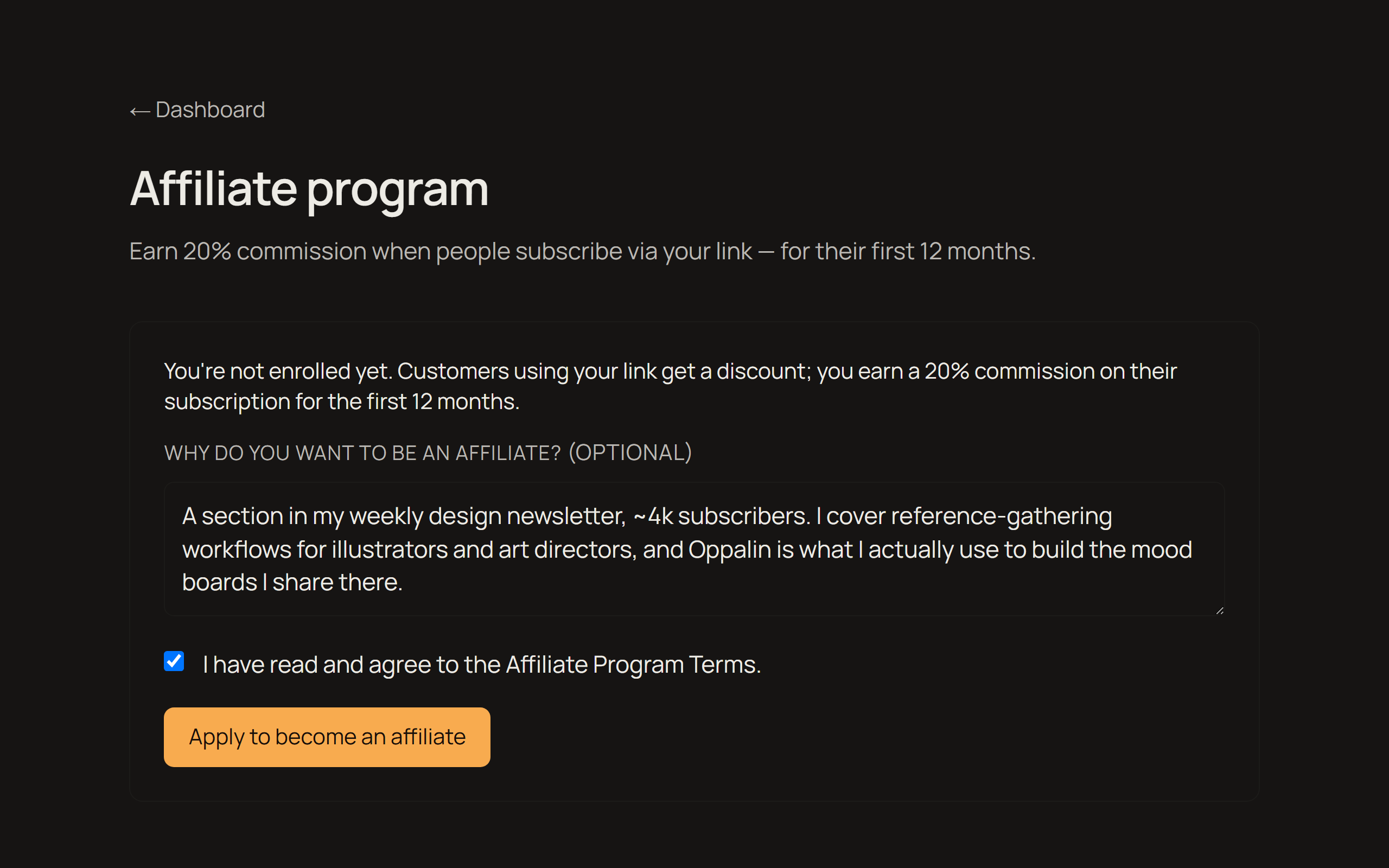
Approval email → your code and link
When you're approved you get an email with your personal referral link. The same link carries a discount code, so the people you send get 10% off — you're giving them something, not just tracking them.
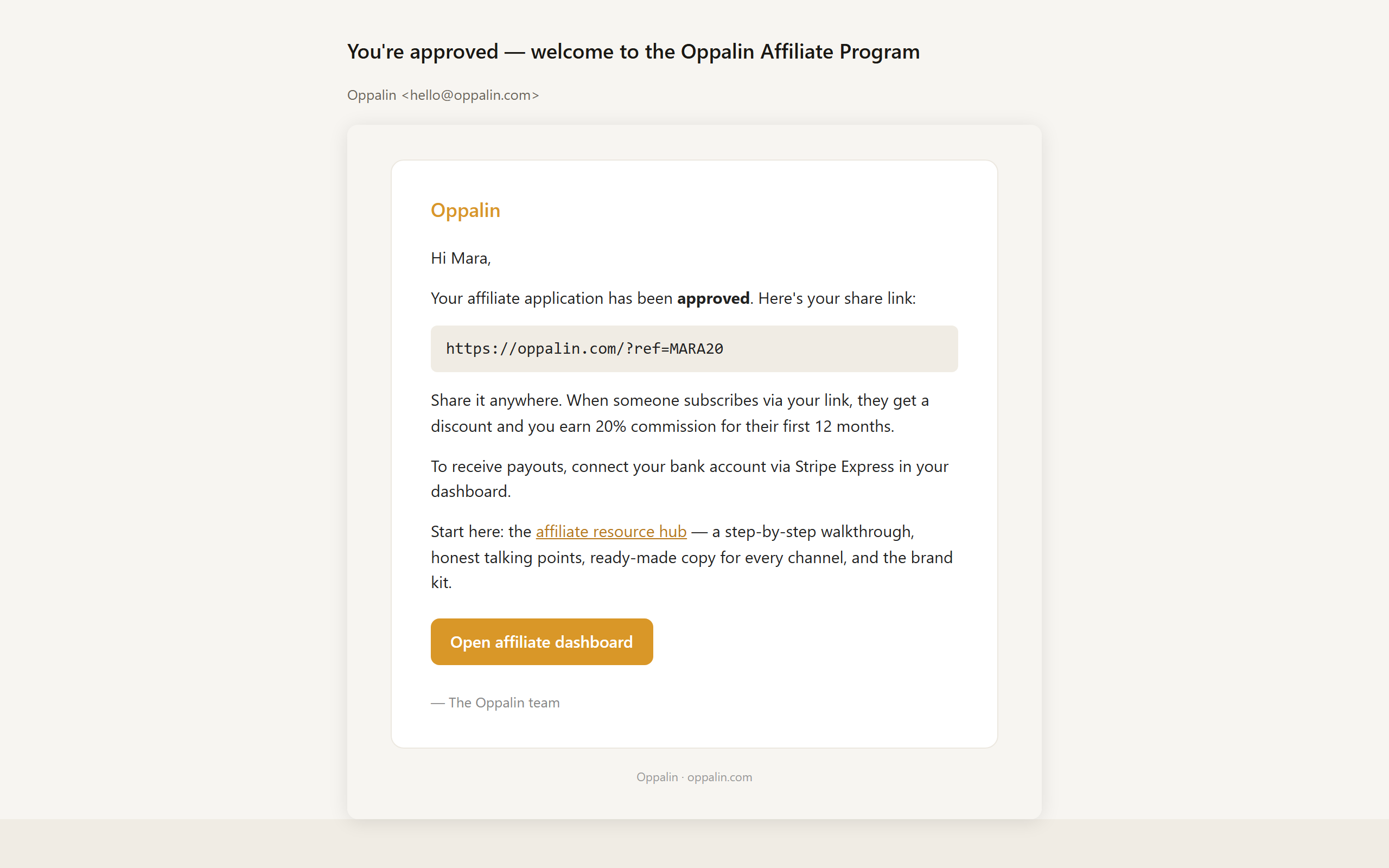
Copy your link or QR code
Your affiliate dashboard holds three ready-made variants of your link — home, pricing, and blog — so you can point people at the page that fits what you're talking about. There's also a downloadable QR code for talks, print, and anything on camera.
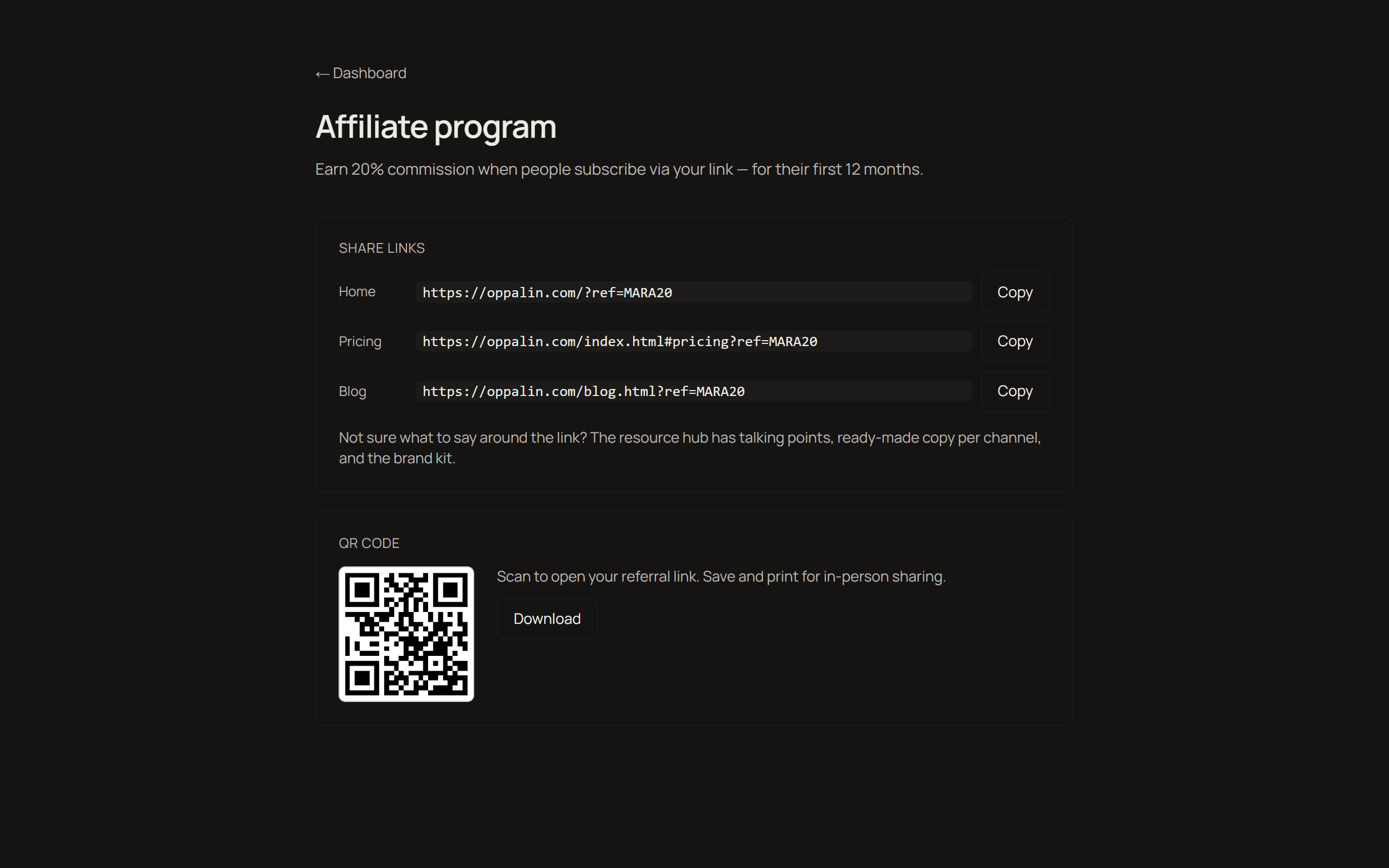
Connect payouts via Stripe Express
Payouts run through Stripe Express. You'll be asked for the usual identity and bank details — that happens on Stripe's side, and your bank details never touch our servers. Stripe Express isn't available in every country; if yours isn't supported, email us before you start promoting so we can tell you where things stand.
Track clicks, referrals and payouts
The dashboard shows clicks, referred revenue, what you've earned, and what's been paid. Commission is 20% of net subscription revenue for each customer's first 12 months, paid monthly once your balance clears $25 — anything below rolls into the next month. Full terms live on the program page.
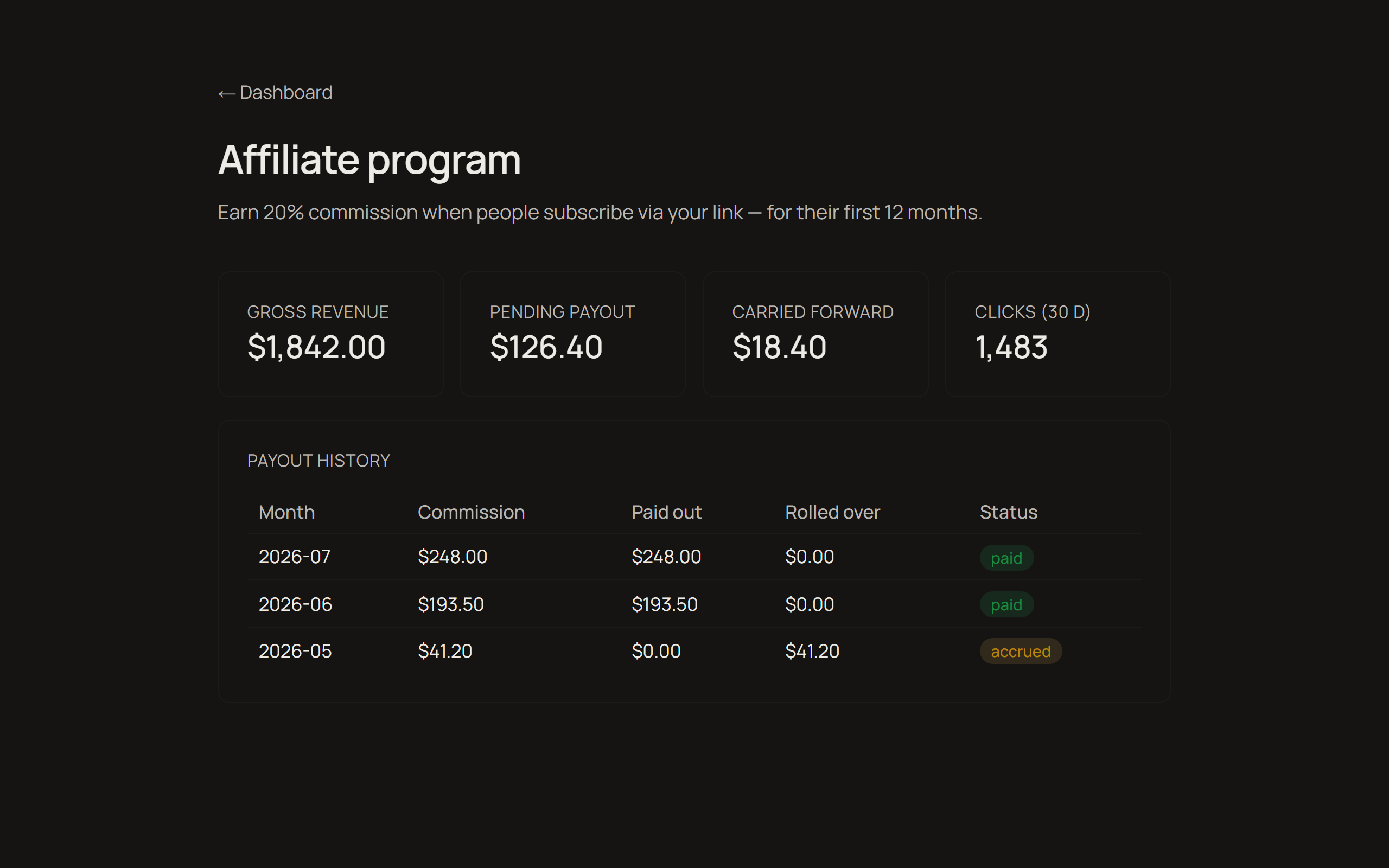
Video walkthrough
The same five steps, on screen, in under three minutes.
What to tell your audience
Honest comparisons against the tools people already use. Each one ends with a recommendation that sometimes points away from Oppalin — that's deliberate, and it's the part that earns you trust. Copy a section and edit it into your own voice.
These blocks are English-only on purpose: you know your audience's language better than a translation would.
Framing: these tools are made for different moments. Miro and FigJam are built for meetings. PureRef is built for solo painting sessions. Oppalin is built to be the wall that stays up between all of that.
Oppalin vs PureRef
PureRef is the beloved standard for reference boards among concept artists, and it is great. It's free, it runs offline, it's lightweight, and it has that neat always-on-top overlay mode while you paint. For a solo artist at their desk, PureRef is hard to beat.
The weak spot: PureRef boards are local files on one machine. To show someone else, you need to get them to install it as well, and send a new file after every update.
Oppalin is essentially that missing half. Open it from any device, let a collaborator drop things in, send the link instead of the file.
Honest recommendation to give your audience: solo, offline, overlay-while-painting → PureRef. Shared, cross-device, living at a link → Oppalin. Plenty of artists will reasonably use both.
Oppalin vs Miro
Miro is the workshop canvas: facilitation tools, voting dots, timers, sprint modes, hundreds of templates, enterprise integrations. If you're running a structured remote workshop with twelve people and a deliverable at the end, Miro is the right tool — Oppalin doesn't attempt any of that.
The tradeoff is that all of that machinery is there every time you open it. For simple reference work — a moodboard, a research wall — Miro feels like renting a conference center to pin up three postcards. Oppalin is the opposite bet: just the surface.
Honest recommendation: structured team workshops → Miro. A surface for things you're still thinking about → Oppalin.
Oppalin vs FigJam
FigJam's strength is the Figma ecosystem. If your team already lives in Figma, FigJam is right there with its quick brainstorms, stickies, cursor chat, and a short hop from whiteboard to design file. For design teams running collaborative sessions inside that world, it's a natural fit.
FigJam is meeting-shaped, though: it assumes a session with a start and an end.
Oppalin is built for the board that stays open for weeks without pressure to converge. It also stands alone — no Figma account or ecosystem required, which matters for the illustrators and game artists who never touched Figma in the first place.
Honest recommendation: already in Figma, running live sessions → FigJam. A standing reference wall, especially outside the Figma world → Oppalin.
"So what does Oppalin actually do better?"
It's the only one of these built around the reference board as a permanent place, with direct Pinterest board import — somewhere you set up a place rather than a session or a file, and can share it with a link.
Not having hundreds of templates and tools is a decision: the tool is simple so that it doesn't induce procrastination or paralysis.
And if another tool is better for someone, say so. A viewer who trusts your comparison is worth more to everyone, you included.
Audience FAQ
The questions your audience will actually ask, answered the way we'd answer them. If something isn't here, ask us at hello@oppalin.com rather than guessing — a confident wrong answer costs you more than a slow one.
The basics
What is Oppalin?
A board for images, notes, and arrows that lives at a URL instead of in a file. You drop things in, move them around, and send the link. It's built for reference work: moodboards, research walls, the material you're still thinking about. Oppalin imports a Pinterest board directly, so the images you already collected are easy to bring in and work with.
Who is it for?
Concept artists, illustrators, game artists, designers, and anyone who keeps reference boards.
Do I need to install anything?
No. It runs in the browser, including on Android touch devices. A board is a web page.
Is there a desktop or offline app?
No, and there isn't one planned. Oppalin is URL-first. If you need offline reference boards, PureRef is excellent and we recommend it.
Pricing
Is the free tier a trial?
No. Free is a real tier for solo work, with no countdown. You can stay on it forever. Pro adds unlimited boards and more storage.
How much is Pro?
Check the pricing section on oppalin.com for current details — prices are localized, so quoting a figure from memory will be wrong for part of your audience.
What's the Founders' Lifetime license?
A one-time launch offer: Pro for life for a single payment (~$99), hard-capped at 250 licenses, with a 20 GB storage ceiling. It's sold once, during the launch window, and never again. If your audience asks whether to wait for it to come back: it won't.
Do viewers of my board need to pay?
No. Anyone with the link can view a shared board without an account or payment. Paid tiers are about what you can create and store, not who can look.
The product
Where are the templates?
There aren't any, on purpose. Every board starts from nothing — that's where the thinking is. If someone's looking for sticky-note workshop templates, Miro or FigJam will serve them better, honestly.
Can I export my board to PDF/PNG/etc.?
There's no export flow. The board is a URL; sharing it means sending the link. Your images remain your images — you can always save them back out individually.
Is my content used to train AI?
No. Boards are never used to train AI models, ours or anyone else's. There are also no ads, and no selling of personal data. Full details in the privacy policy at oppalin.com.
Who can see my boards?
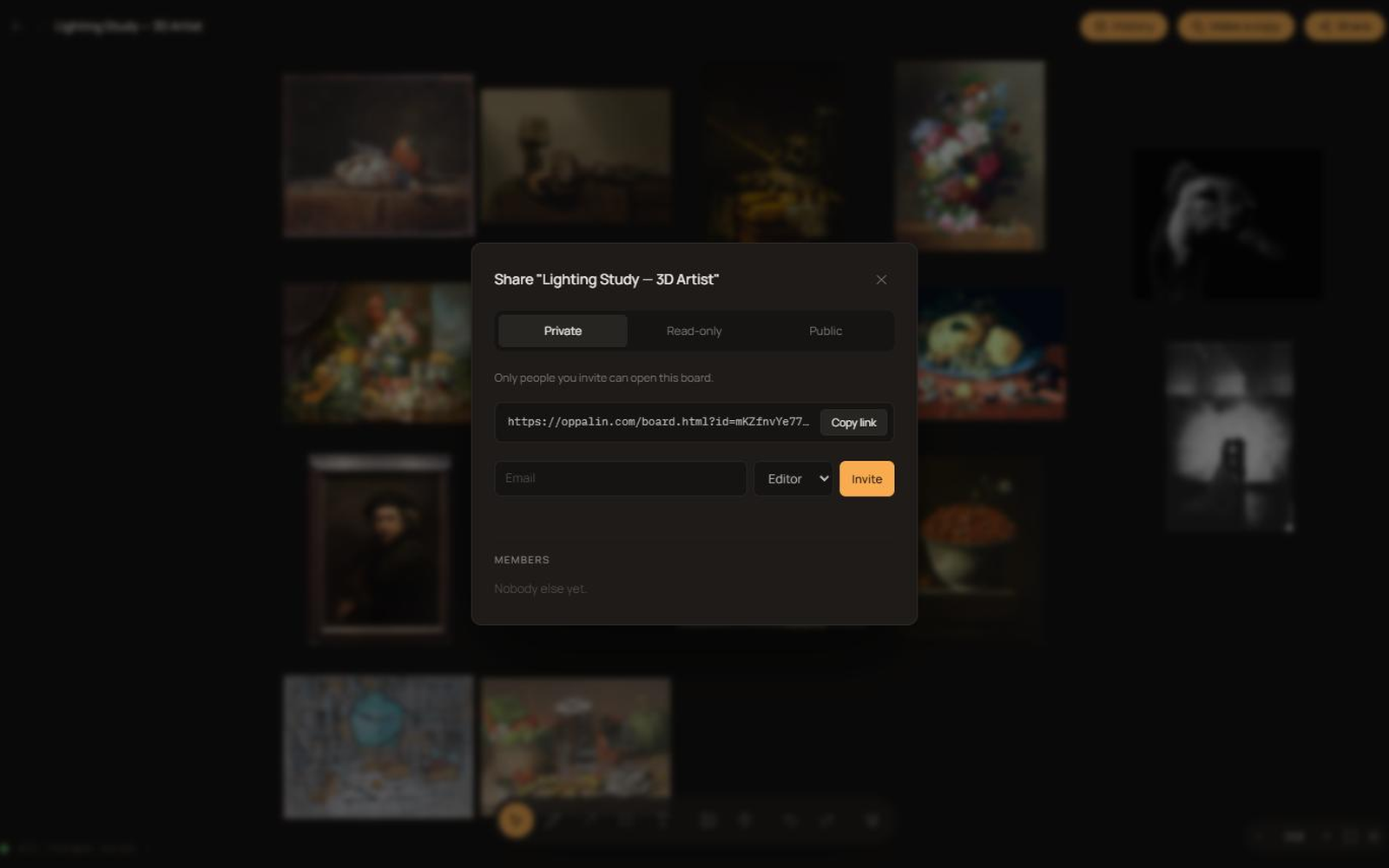
Private boards: only you and the people you invite. Link-shared boards: anyone with the link. Public boards: anyone, and they may appear in search engines. You choose per board.
Ready-made copy, per channel
Starting points, not scripts — swap [YOUR LINK] for your referral link and rewrite until it sounds like you. Every one of these includes a disclosure line; please keep it.
YouTube description
I use Oppalin for the moodboards in this video — a collaborative moodboard app for people who think in images. Infinite canvas, drag in references, arrange them, draw on top, share the board with a link.

Try it free: [YOUR LINK]

Affiliate link: you get 10% off, and it supports the channel at no extra cost to you.
Short post / tweet
Oppalin is the moodboard tool I keep going back to: infinite canvas, drop in references, arrange, mark up, share a link. The free tier is a real free tier, not a trial.

[YOUR LINK] — affiliate link, 10% off.
Newsletter paragraph
One tool I've been using lately: Oppalin, a collaborative moodboard app. You drop images onto an infinite canvas, arrange them until the idea reads, draw and annotate on top, and send someone a link — they can edit with you in real time without making an account of their own. It imports straight from Pinterest, which saved me the usual download-and-re-upload ritual.

It's free to start (3 boards, 500 MB), and Pro is $7/month if you outgrow that. If you want to try it: [YOUR LINK] — that's an affiliate link and gets you 10% off.
Pinterest pin description
Build a colour-scheme moodboard in minutes: import your pins straight into Oppalin, arrange them on an infinite canvas, and share the board with a link. Free to start. [YOUR LINK] (affiliate link, 10% off) #moodboard #colorpalette #designtools #creativeprocess
Brand kit
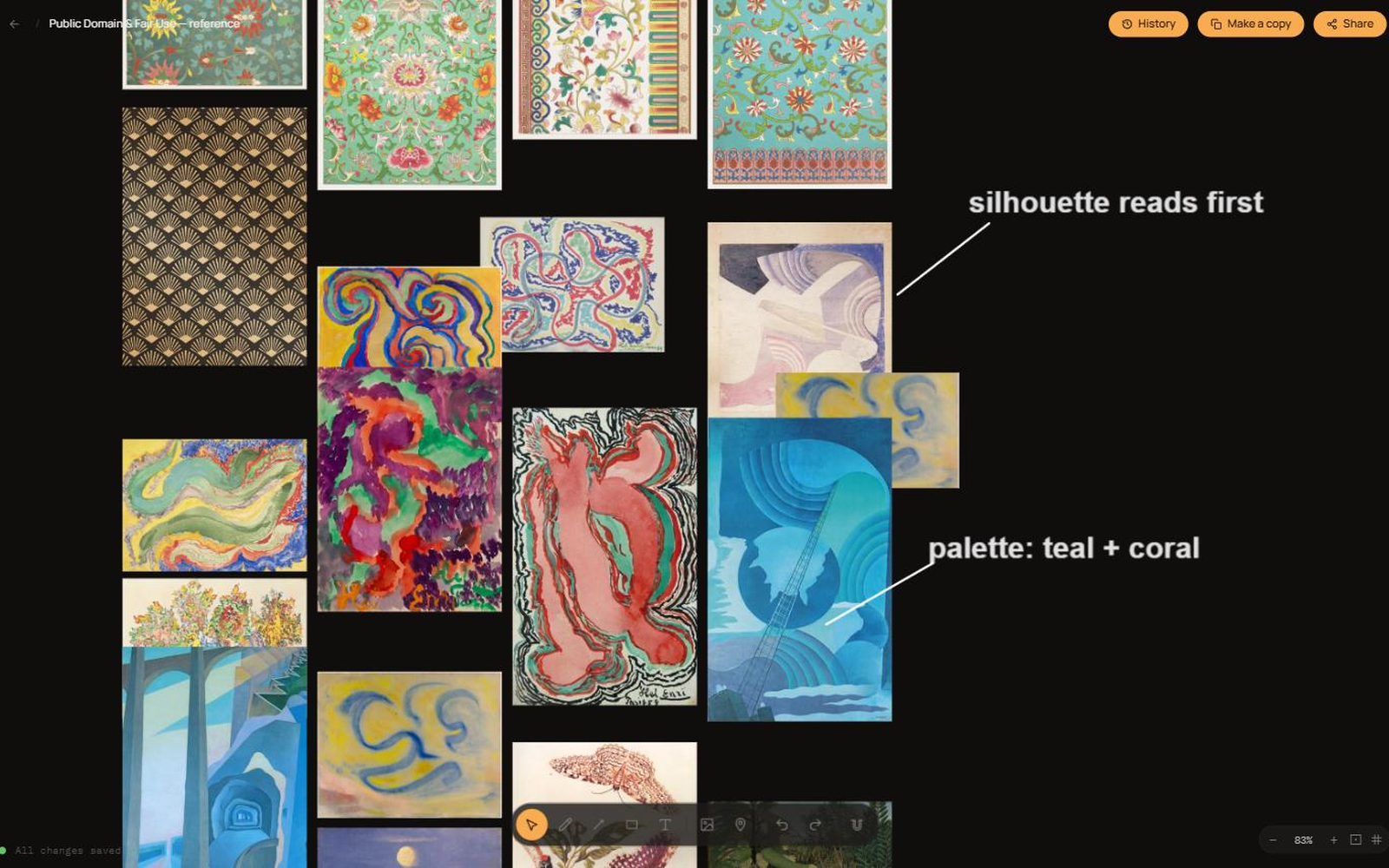
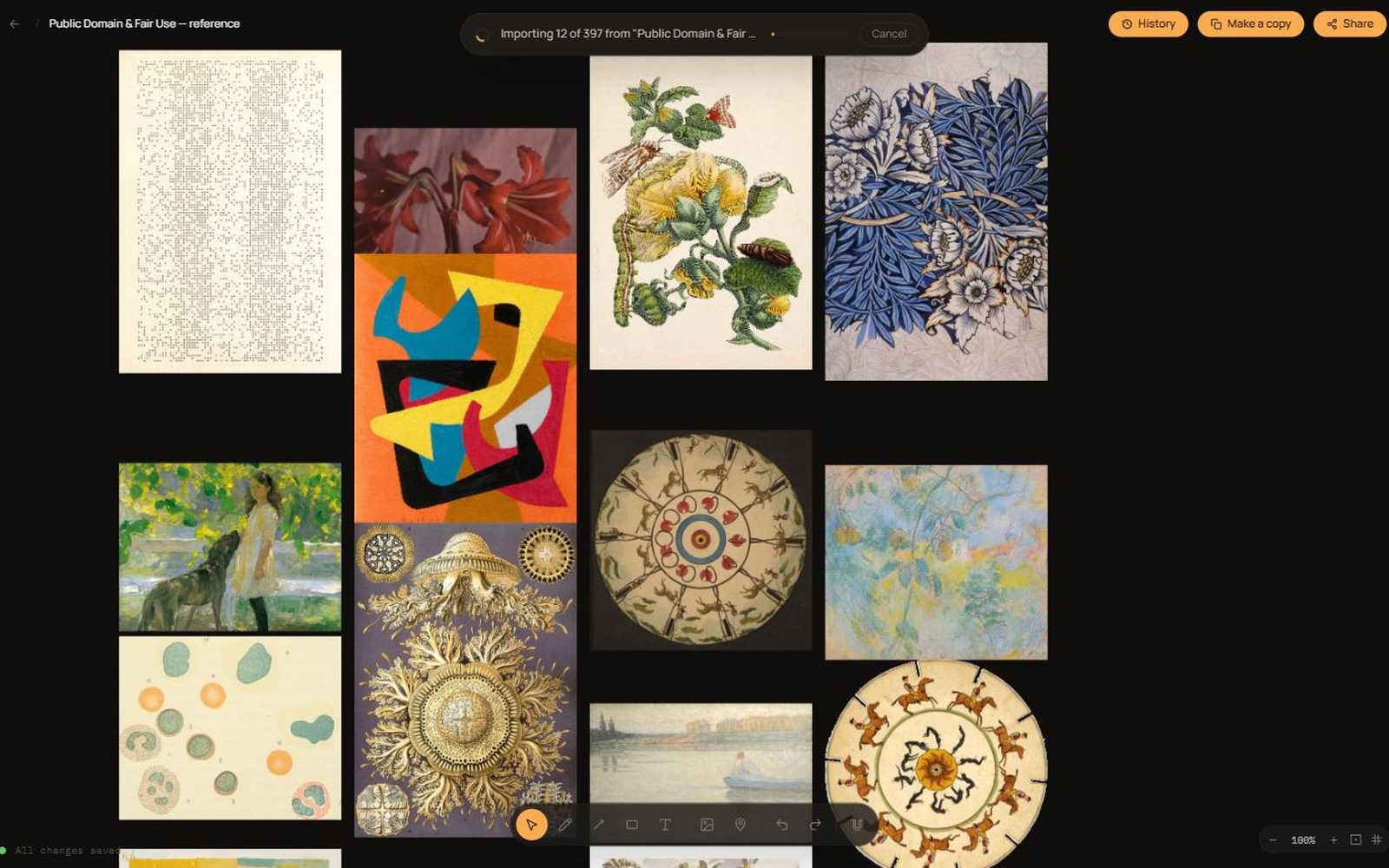
Logos, screenshots and a social card — everything in one download, or grab individual files below.







Product screenshots
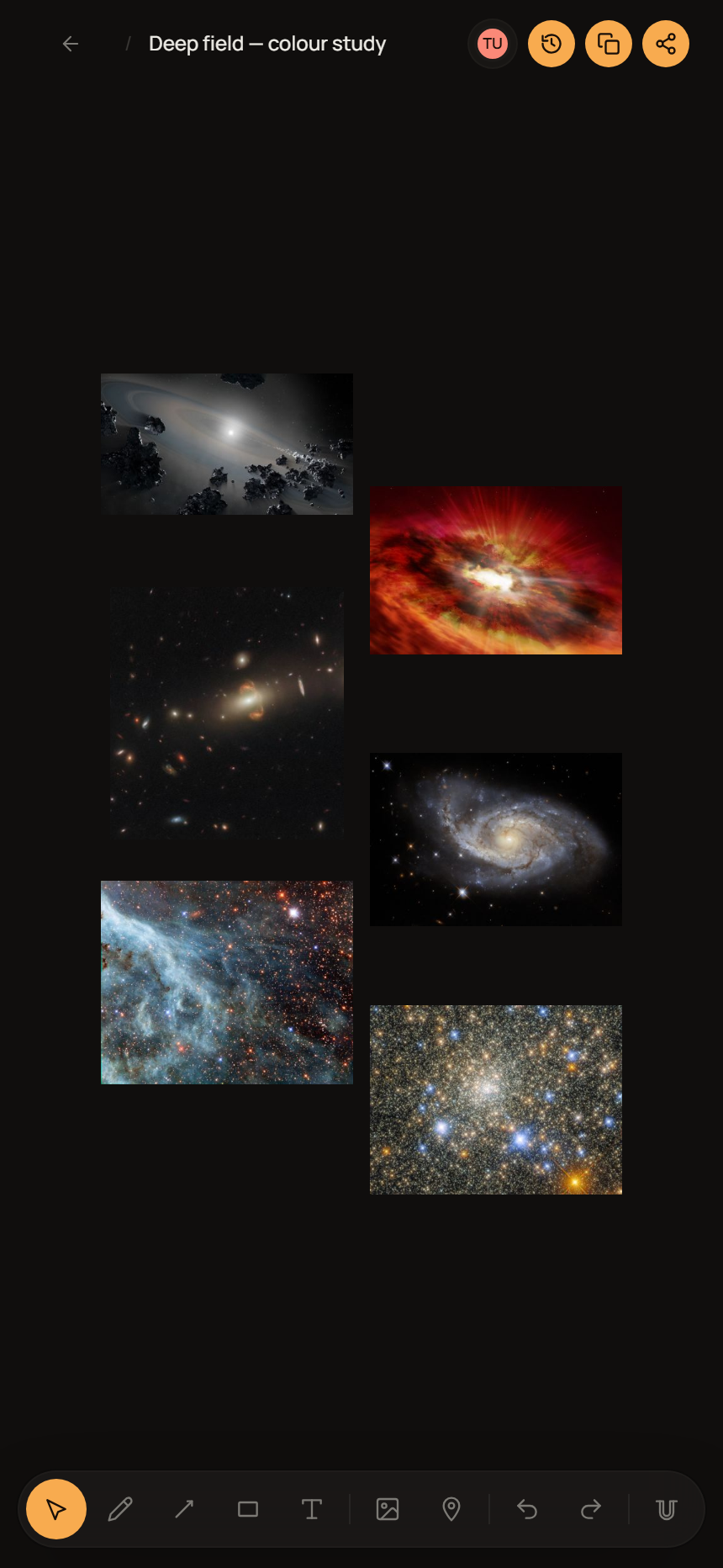
Using the assets
- Scale it, don't reshape it. No stretching, squashing, rotating or recolouring the logo. Leave clear space around it of at least the height of the chip mark.
- Match the background. Use the on-light or on-dark file rather than adding an outline, shadow or box to force contrast.
- "Oppalin", capital O, one word. Not OppaLin, not Opalin.
- Affiliate, not partner. Say you're an Oppalin affiliate. Please don't call yourself a partner, reseller or sponsor, or imply we endorse you or your other products.
- Screenshots are yours to crop and annotate — just don't edit them to show features, prices or behaviour that don't exist.
Program rules, in plain English
Short list. It protects your audience, your reputation, and the program. The binding version is the Affiliate Terms — if the two ever disagree, the terms win.
- Always disclose. The FTC and its equivalents elsewhere require it, and it's simply the decent thing to do. The words "affiliate link" near the link are enough.
- No self-referrals. Your own link won't pay you for your own subscription — it's blocked technically, and trying to route around it ends the arrangement.
- No bidding on our name. Don't buy ads on "Oppalin", oppalin.com, or typo variants. You'd be paying to intercept people who were already coming to us.
- No spam, no incentivized signups. No unsolicited bulk mail, no coupon-farm listings, no paying or rewarding people for signing up through your link.
- Don't misrepresent features or pricing. Don't promise a roadmap item as if it shipped, and don't quote prices from memory — check the pricing page.
- Be honest, including about us. If another tool genuinely fits someone better, say so. We'd rather lose a signup than have your audience feel sold to — that's why the comparison notes above recommend against us where they should.
Anything missing?
If you need an asset, a fact, or an answer that isn't on this page, email hello@oppalin.com. We'd much rather write it down once than have you guess.